Help
What is Trailbook?
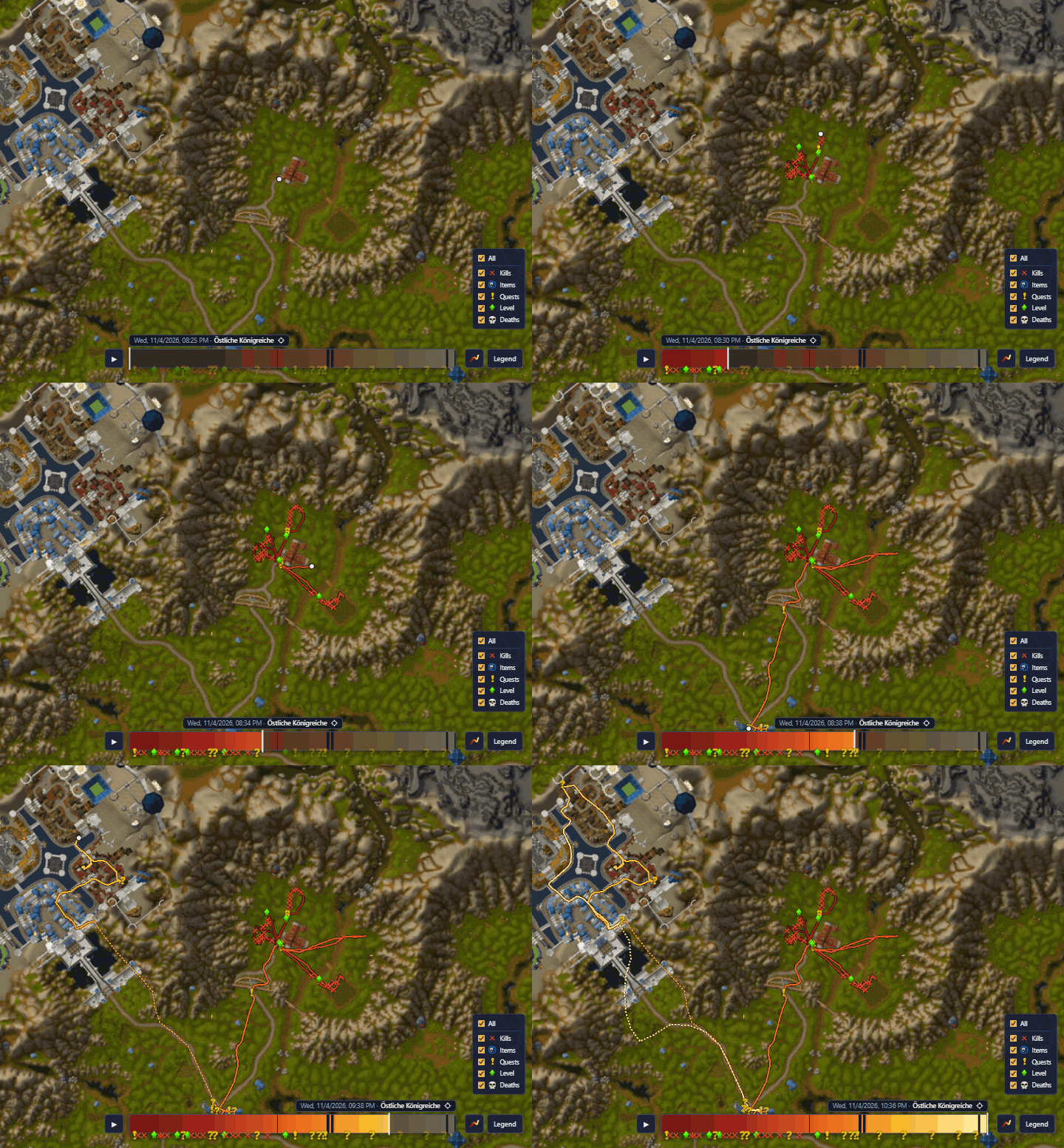
An addon for World of Warcraft: Forever records where your character goes and what happens on the way: quests, loot, levels, deaths. This site shows it on a map with a timeline, on any computer and only to you, unless you share a character.
Trailbook was inspired by Muddy Boots by Mookz, which lets you relive your journey right on the in-game world map. Both run side by side, so feel free to try it as well.
How it works
- Install the addon from CurseForge; the CurseForge app keeps it up to date. Or download it as a ZIP and unpack the Trailbook folder into
_forever_\Interface\AddOns. - Play. A small line in the game shows how long it has been since the last save.
- Afterwards open Manage recordings and drag the WTF folder in. Only what is new is taken over.
- To keep the file in the game small, clear up there once everything is uploaded: right-click the Trailbook line, “Clear up …”.
So that nothing gets lost
- WoW saves only when you log out, on
/reloadand when you quit. After a crash everything since the last save is missing: type/reloadnow and then, at the latest when the line turns yellow. - Until you import, your routes are only on your computer. Import after every session.
- If the addon says “No saved data loaded”: quit WoW and back up
Trailbook.lua.bakbefore you log in again.
Map
Drag to move, scroll to zoom, click the timeline to jump there. The legend at the bottom right explains the symbols.